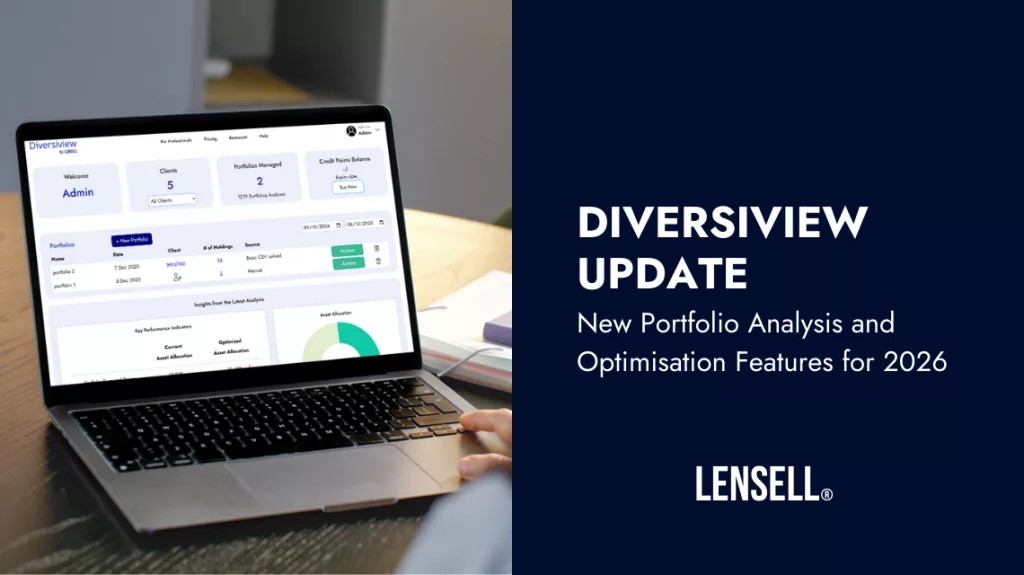
Read about the latest updates to Diversiview for easier portfolio and client management. We have provided step-by-step instructions on how to use them!
Ability to Edit Portfolios
In previous Diversiview versions, once the user created, uploaded or imported an investment portfolio, an analysis of that portfolio was processed directly as part of a single flow. This meant that the user had to re-enter the portfolio if they wanted to analyse the same portfolio again with different parameters.
In addition to the change announced in December allowing users to save up to 10 portfolios of up to 40 holdings each (unlimited number of portfolios for professionals), users can now edit the composition of a portfolio, as long as it is not an imported portfolio (since imported portfolios need to be synchronised with the broker). All manually entered portfolios and portfolios uploaded from CSV are editable.

By clicking on the pencil icon next to the portfolio source, you will be taken to the portfolio construction page where you can make changes as needed:
- Remove a holding from the portfolio.
- Change the weight (allocation) of a holding in the portfolio.
- Add new holding/s to the portfolio.
- Other changes as required.


NOTE: if any orders (analyses or optimisations) have been run for the portfolio before it was edited, those orders will no longer be valid. An alert will be shown on those analysis pages.
Ability to Clone a Portfolio
In previous Diversiview version/s, users had to re-enter a portfolio if they wanted to run another analysis and/or optimisation, which was time consuming and inconvenient.
In response to users’ requirements:
- Users can now duplicate a portfolio. That action will create another portfolio with “clone” appended to the same name and with the same composition. The user can then proceed to make any changes needed to that cloned portfolio: edit its name, change its composition, map to a client (professional feature) etc.


NOTE: the history of orders (analyses and optimisations) run for the original portfolio, if any, will not be copied across the cloned portfolio.
MORE FEATURES COMING SOON
– Ability to create custom / blended benchmarks.
– Ability to use other measures of risk in DOOA.
– Ability to rebalance portfolios to a target portfolio.
See Diversiview’s Powerful Portfolio Analysis & Optimisation, based on DOOA, in practice – get a free account and start now.
Disclaimer:
LENSELL GROUP Pty Ltd, ACN 646 467 941, trading as LENSELL, is a Corporate Authorised Representative of Foresight Analytics & Ratings Pty Ltd (Australian Financial Services Licence No. 494552). All information provided to you by LENSELL is intended for general informational purposes only. It does not consider your individual financial circumstances and should not be relied upon without consulting a licensed investment professional or adviser.
The content on this website and in any of its applications is not a financial offer, recommendation, or advice to engage in any transaction. Investment products referenced in our software or marketing literature carry inherent risks, and you should note that past performance does not guarantee any future results. In all our modelling, no transaction costs or management fees are factored into performance analysis.
The information on our website or our mobile application is not intended to be an inducement, offer or solicitation to anyone in any jurisdiction in which LENSELL is not regulated or able to market its services.
Furthermore, all information used across our platform or website may be based on sources deemed reliable but is provided “as is” without guarantees of accuracy or updates. LENSELL and Foresight Analytics & Ratings disclaim all warranties and accepts no liability for any loss or damage resulting from use or reliance on any material or data embedded in our technology platform or digital media. Where liability cannot be excluded by law, it is limited to resupplying the information.
Please view our Financial Services Guide, Terms Of Service and Privacy Policy before making any investment decision using the information available on our website or on any of our applications. LENSELL, Diversiview and TableBits are trademarks registered in Australia.