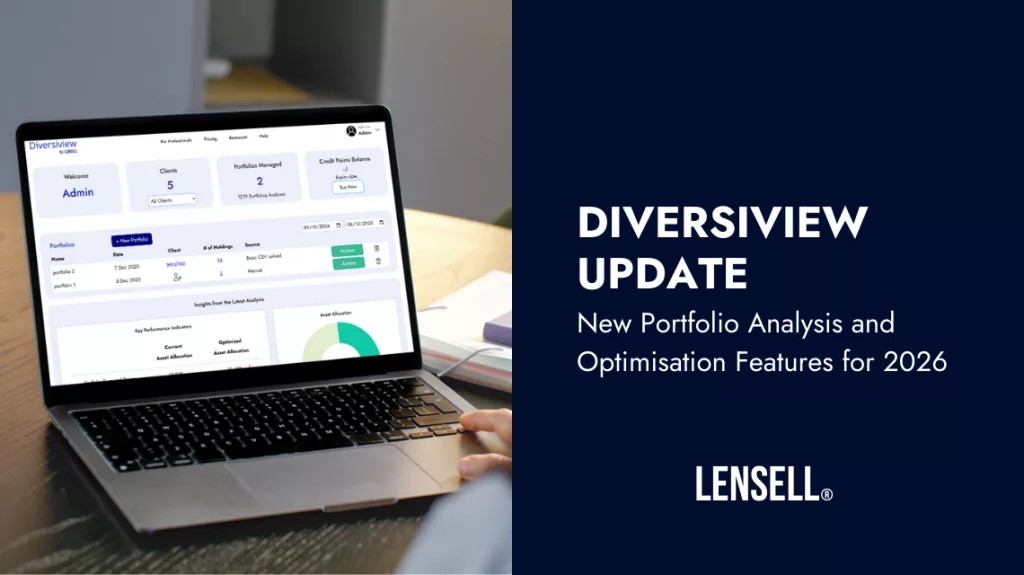
Read about the latest updates to Diversiview packed with the portfolio analysis and optimisation features you’ll need for success in 2026. This detailed guide provides a breakdown of every new feature, including portfolio storage, improvements to the import portfolio capability, and direct dashboard actions. We have provided convenient links to the help pages for more detailed information and step-by-step instructions on how to use them today!
Ability to Create and Store Multiple Portfolios
In previous Diversiview version/s, once the user created, uploaded or imported an investment portfolio, an analysis of that portfolio was processed directly as part of a single flow. This meant that the user had to re-enter the portfolio should they wanted to analyse the same portfolio again with different parameters. Moreover, other users wanted to store portfolios for later use, to create their own benchmarks or model portfolios, or for other purposes.
Changes made to address these users’ requirements:
- Retail users can now create and store up to 10 portfolios for free, where each portfolio is up to 40 holdings each.
- Business users (with a formal professional registration in their country of origin) can create and store unlimited portfolios, for an unlimited number of clients. To learn more about Diversiview’s Business accounts, contact the Diversiview team.
Each portfolio can be analysed and/or optimised as often as needed (credit points charges are listed on the Pricing page, and at the time of each analysis/optimisation).
NOTE for existing users:
All analyses and optimisations ran before 5 Dec 2025 are still visible and accessible on your Dashboard, and not counted in the limit of portfolios that can be stored.
Learn how to manually enter, upload from CSV or import from a broker or investment platform.
Ability to Analyse and/or Optimise Portfolios Directly from the Dashboard
In previous Diversiview version/s, users had to first run a portfolio analysis, open the analysis report and then navigate to the section where they could calculate efficient asset allocations (for Min. Risk Portfolio, for Optimal Portfolio, or other efficient portfolio positions on the Efficient Frontier). Some users asked us to be able to optimise asset allocations without running a portfolio analysis first.
In response to users’ requirements:
- Each portfolio from the Dashboard can be either analysed or optimised directly from the Dashboard. An “Actions” button lists all activities that can be run for a particular portfolio.

NOTE: We strongly recommend that a portfolio analysis is run first, so the portfolio risk-return position and Portfolio Universe in the current allocation can be visualised, and then used for informed decision making with regards to the need to optimise the allocation.
Ability to Filter Portfolios by Client
Business users can now filter portfolios by client directly from the dashboard.

The applicable analyses and optimisations for the particular client will also be shown in the bottom part of the screen.
Ability to Specify the Returns Method to be Used in Analyses and Optimisations
Our Dual Objective Optimisation Approach (DOOA) for the portfolio is independent of the type of individual expected return method used. This was less clear in the previous Diversiview version/s, and it was not easy to see how the preferred returns method and benchmark for each analysis and/or optimisation could be changed.
To address these issues:
- The preferred benchmark and the preferred returns method can be set at the time of running an analysis and/or optimisation.
- The user can select from 3 different types of individual expected returns, to be used in portfolio level calculations:
- Individual expected returns based on historical returns.
- Individual expected returns based on the CAPM (Capital Asset Pricing Model).
- Preferred Individual Expected Returns – based on user’s own research, or different scenarios of future returns.

Treatment of Holdings During Import from Investment Platforms & Brokers
Diversiview currently allows portfolio import from over 25 international brokers, and from two major platforms in Australia: BGL and Sharesight. Some of these brokers and platforms cover more markets than Diversiview’s supported markets, which means that some of the users’ holdings would not be recognised during the import process.
Previously, importing portfolios grouped all unrecognised holdings into an “OTHER” field, with a 0% expected return, 0% volatility and 0 correlation coefficient to all the other holdings in the portfolio. This sometime created skewed analysis results, depending on the weight of those unrecognised holdings in the user’s portfolio.
In the latest Diversiview update, the import process still groups the unrecognised holdings into an “OTHER” item, but it highlights it and allows the user to replace the group with a Custom Investment and specify the expected return, volatility and a correlation coefficient to all the other holdings in the portfolio.


MORE FEATURES COMING SOON
– Ability to clone and edit portfolios
– Ability to create custom benchmarks
– Ability to use other measures of risk in DOOA
See Diversiview Powerful Portfolio Analysis & Optimisation, based on DOOA, in practice – get a free account and start now.
Disclaimer:
LENSELL GROUP Pty Ltd, ACN 646 467 941, trading as LENSELL, is a Corporate Authorised Representative of Foresight Analytics & Ratings Pty Ltd (Australian Financial Services Licence No. 494552). All information provided to you by LENSELL is intended for general informational purposes only. It does not consider your individual financial circumstances and should not be relied upon without consulting a licensed investment professional or adviser.
The content on this website and in any of its applications is not a financial offer, recommendation, or advice to engage in any transaction. Investment products referenced in our software or marketing literature carry inherent risks, and you should note that past performance does not guarantee any future results. In all our modelling, no transaction costs or management fees are factored into performance analysis.
The information on our website or our mobile application is not intended to be an inducement, offer or solicitation to anyone in any jurisdiction in which LENSELL is not regulated or able to market its services.
Furthermore, all information used across our platform or website may be based on sources deemed reliable but is provided “as is” without guarantees of accuracy or updates. LENSELL and Foresight Analytics & Ratings disclaim all warranties and accepts no liability for any loss or damage resulting from use or reliance on any material or data embedded in our technology platform or digital media. Where liability cannot be excluded by law, it is limited to resupplying the information.
Please view our Financial Services Guide, Terms Of Service and Privacy Policy before making any investment decision using the information available on our website or on any of our applications. LENSELL, Diversiview and TableBits are trademarks registered in Australia.